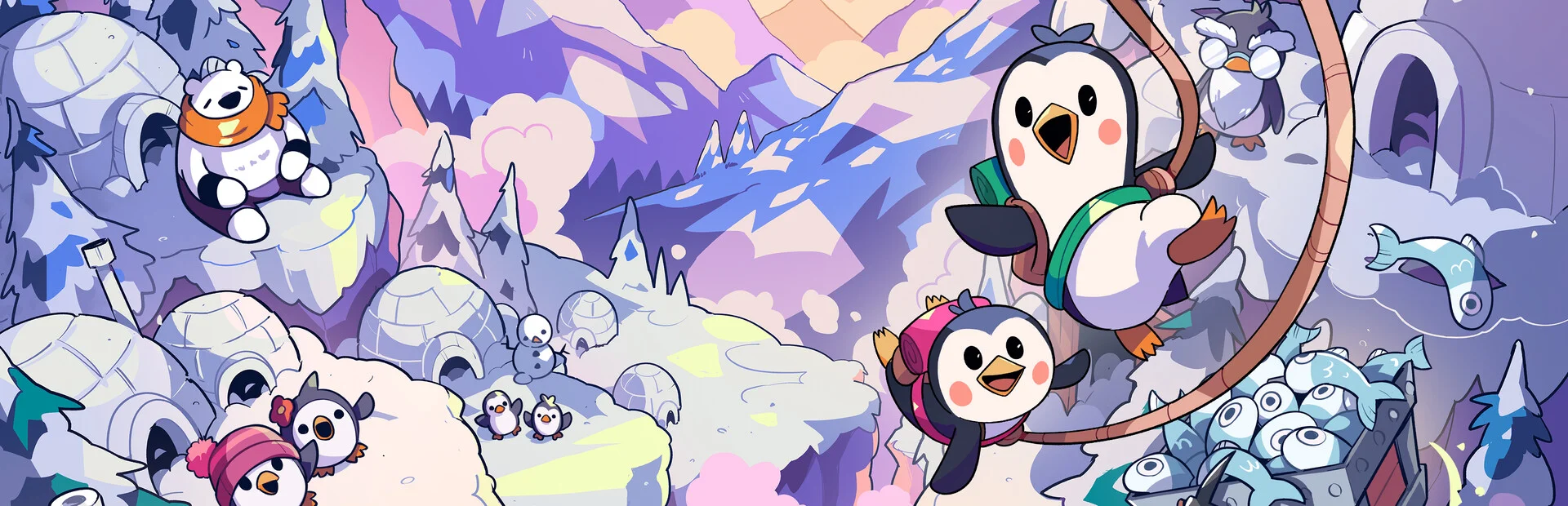
- Bread Fred Steam key: Officially purchased via the Steam store (App ID 1607680).
- Publisher note: Launch publisher was Apogee Entertainment; publishing rights have since moved to Infogrames/Atari.
- Demo access: A free Steam demo lets you sample rope mechanics before purchasing a key.
- Co-op sharing: Only the host needs a key — Steam Remote Play Together lets a friend join without buying.
- Safety tip: Avoid key resellers of unverified origin; buy from Steam or authorized retailers only.
Bread Fred Steam Key: Purchase Channels Compared
Buying a Bread Fred Steam key is straightforward as long as you stick to verified channels. The game (officially titled Bread & Fred, also searched as "Bread Fred" or "Bread and Fred") launched on Steam on May 23, 2023, developed by SandCastles Studio. Below is a comparison of your main options.
| Channel | Key Type | Risk Level | Notes |
|---|---|---|---|
| Steam Store | Direct purchase | None | App ID 1607680, instant library activation |
| Nintendo eShop | Platform license | None | Switch version, no Steam key involved |
| Authorized retailers (where listed) | Steam key | Low | Verify retailer is an authorized partner |
| Third-party key resellers | Steam key | High | Origin of keys cannot always be verified |
Keys from unverified gray-market resellers can be region-locked, revoked, or purchased with fraudulent payment methods. If a deal looks far below the Steam price, treat it as a red flag rather than a bargain.
Steam Store (Recommended)
- Instant activation to your library
- 26 achievements, 10 supported languages
- Free demo availability to check
Steam Remote Play
- Friend joins without a key
- Local co-op also supported
- One purchase covers two players
Nintendo Switch
- Portable couch co-op
- Split Joy-Con support
- Separate platform license
The Steam page now lists Infogrames/Atari as publisher following the transfer from Apogee Entertainment. Keys purchased previously remain fully valid — publisher changes do not affect library ownership.
Step-by-Step Key Activation and Setup
Once you have a key or a direct Steam purchase, getting into the game takes just a few minutes. Follow this sequence for the smoothest setup.
Purchase on Steam
Open the Bread & Fred Steam page and complete checkout. If you bought a retail key from an authorized source instead, open Steam, go to "Add a Game" in the bottom-left corner, and select "Activate a Product on Steam."
Install the Game
Download and install from your library. Bread & Fred runs on modest hardware thanks to its stylized, lightweight visuals, so most modern PCs handle it without issue.
Launch and Select a Mode
Choose co-op mode for two players, or single-player mode where your companion is Jeff the rock instead of a second penguin.
Invite a Friend (No Second Key Needed)
Use Steam Remote Play Together from the Steam overlay. Your friend joins the streamed session with their own controller — only the host needs to own the game.
Test Inputs and Voice Chat
Assign a controller to the guest player and confirm jump/grab inputs feel responsive, then enable voice chat for synchronized jump callouts.
The game's simple 3D art style is designed for low-end hardware. Check the Steam store page for exact minimum specifications before purchasing your key.
Try Before You Buy: Demo and Value Check
Before committing to a full-price key, you can sample the opening climbing sections through the free Steam demo that was offered ahead of launch. Check the Steam page for current availability.
| Item | Detail |
|---|---|
| Free demo | Opening sections, core rope mechanics |
| Positive English reviews | 78% |
| Steam achievements | 26 |
| Supported languages | 10 (includes English, Spanish, Portuguese, Japanese) |
| Players per session | 2 (co-op) or solo with Jeff |
Since Remote Play Together lets one purchased key cover both players, a single Steam purchase delivers the full two-player experience. Pair it with the demo first to confirm your duo enjoys the physics-climbing challenge.
Key Safety and Platform Differences
A few practical checks protect your purchase and set the right expectations for what each platform version offers.
| Topic | Steam Version | Switch Version |
|---|---|---|
| Ownership model | Key/direct library license | eShop platform license |
| Local co-op | Yes, two controllers or keyboard + controller | Yes, split Joy-Con |
| Online play | Remote Play Together | Depends on version; verify listing |
| Achievements | 26 Steam achievements | Platform-dependent |
| Publisher listing | Infogrames/Atari (2026) | Check regional eShop listing |
Purchases are not transferable between Steam and Nintendo Switch. A Bread Fred Steam key only activates on Steam, so confirm which platform your climbing partner uses before buying.
Before You Buy, Confirm:
- The store page lists App ID 1607680 and Infogrames/Atari
- Your PC meets the listed minimum requirements
- You have two controllers for local co-op
- Your friend knows they can join free via Remote Play Together
- You tried the demo if you're unsure about the physics challenge
FAQ
Q: Does my friend need their own Bread Fred Steam key to play co-op?
No. Steam Remote Play Together lets a friend join your session streamed from your machine using their own controller, so only the host needs to own the game. Both players should have a stable connection for responsive rope physics.
Q: Where is the safest place to buy a Bread Fred Steam key?
The official Steam store (App ID 1607680) is the most reliable option. A free demo was also offered on Steam to sample the game before purchase. Avoid unverified key resellers whose key origins cannot be confirmed.
Q: I bought a key when Apogee Entertainment published the game. Is it still valid?
Yes. The publisher transition to Infogrames/Atari does not affect existing library ownership. Keys purchased at launch remain playable with all current updates, including the laboratory content with its 666-meter climb challenge.
Q: Can I activate a Steam key on Nintendo Switch?
No. A Bread Fred Steam key only works on Steam for Windows. The Nintendo Switch version is a separate platform license purchased through the regional eShop.